


Build your mobile app the way you build a page. No developer. No agency. No waiting.
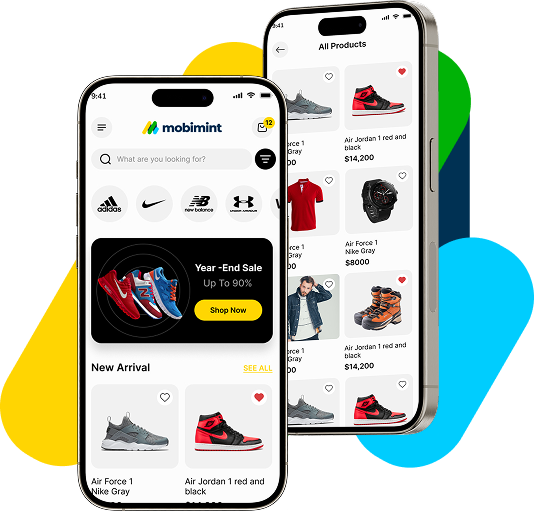
Mobimint’s drag-and-drop App Builder connects directly to your store, pulls in your products and branding, and lets you design every screen of your app — visually, in real time. Most stores launch in under 60 minutes.
- No code required
- Live preview as you build
- iOS & Android — one build
Every store owner wants an app. Almost none of them have one.
You know your customers shop on their phones. You know an app converts better than a mobile website. You know push notifications would bring them back. But every time you’ve looked into building an app, you’ve hit the same wall:
"Get a quote" — $40,000 minimum
Custom app development starts at $40,000 and takes 6 to 12 months. By the time it launches, half of your requirements have changed. And then you’re paying for ongoing maintenance on top of that.
Hiring a developer
A decent mobile developer costs $80,000–$120,000 per year as a full-time hire. And then you still need a designer. And then someone to submit it to the app stores. And then someone to maintain it.
Generic app builders that look generic
You’ve seen the template-heavy tools. Every app looks like every other app. Your brand disappears. Your customers know you didn’t try.
"It'll take months to set up"
You’ve been told app building is complex. That you’ll need to migrate data, restructure your catalogue, or redo your entire setup. So you’ve kept putting it off. And your mobile conversion rate has kept suffering.
Your app. Built by you. In 60 minutes or less.
The Mobimint App Builder works exactly like a page builder — the kind you’ve probably already used to build your website. Drag elements in. Drop them where you want. See your app take shape in real time. When you’re happy with it, we handle the rest.
Step 1
Connect your store (2 minutes)
Install the Mobimint plugin on Shopify or WooCommerce. Your entire product catalogue, collections, prices, and images sync automatically. Nothing to re-enter. Nothing to rebuild. Your store is already inside your app.
Step 2
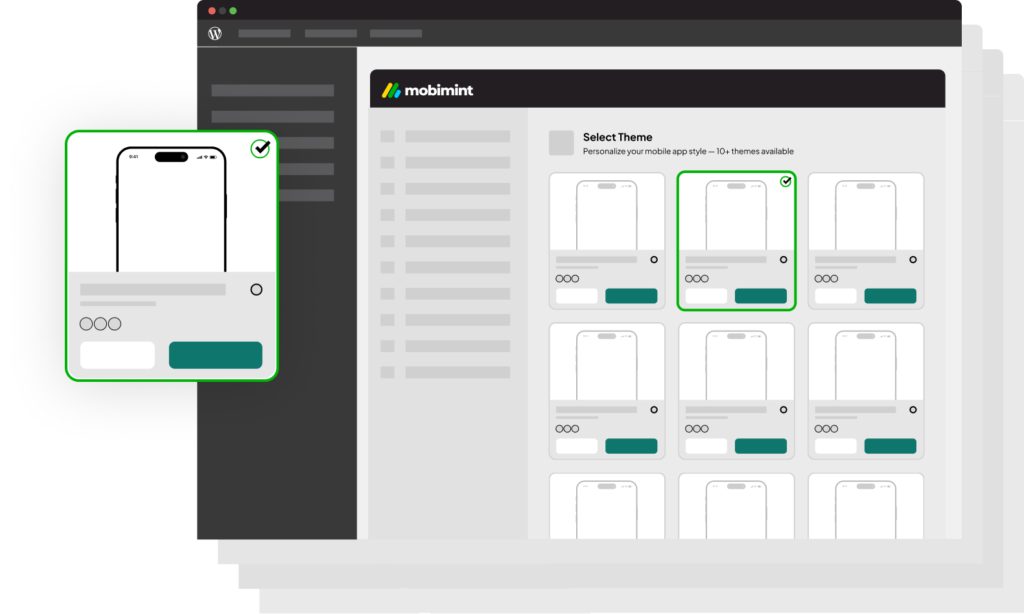
Choose your starting point
(5 minutes)
Pick from pre-designed themes built for your industry — fashion, beauty, food, home, fitness, and more. Each theme is a complete app layout, not just a colour palette. You’re not starting from blank — you’re customising something already beautiful.
Step 3
Design every screen (30–45 minutes)
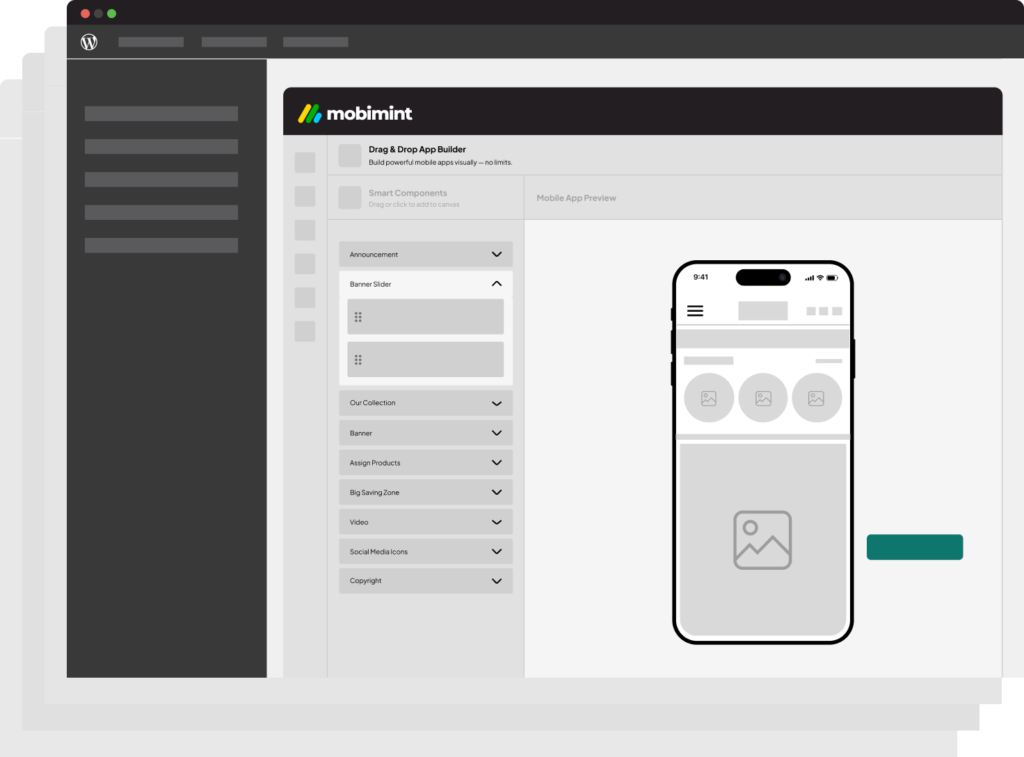
This is where you make it yours. The App Builder gives you full control over:
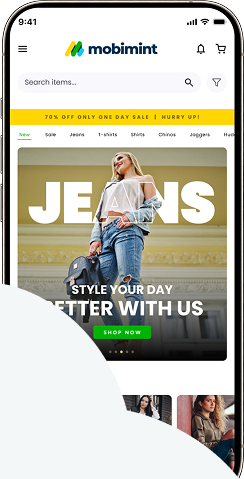
- Home screen — hero banner, featured collections, countdown timers, promotional blocks
- Product listing page — grid layout, filter bar, sorting, quick-add to cart
- Product detail page — image gallery, size guide, reviews, related products, sticky add-to-cart
- Cart & checkout — trust badges, upsell blocks, discount code field
- Account & profile — order history, wishlist, loyalty points, notification preferences
- Search — smart search with image recognition, filter chips, recent searches
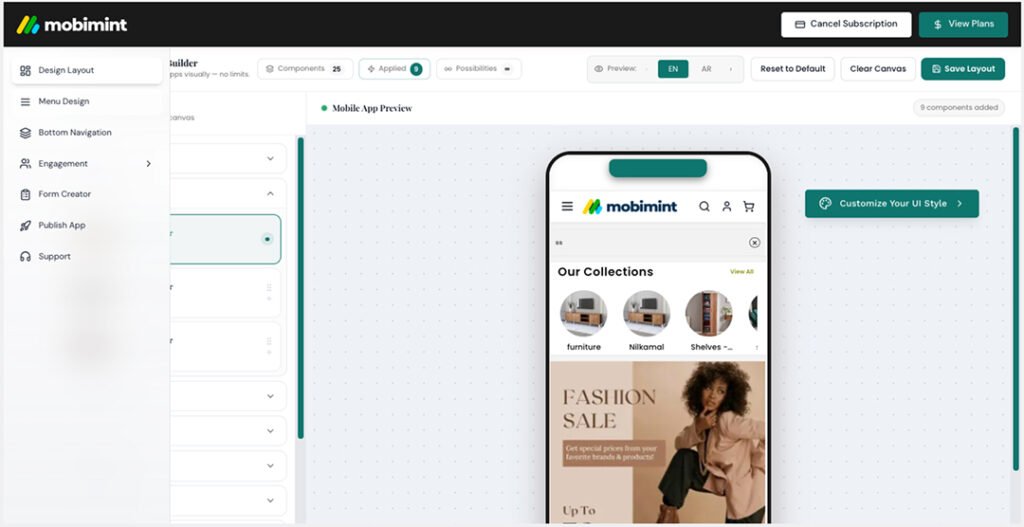
Drag. Drop. Rearrange. Every change shows up instantly in the live preview on the right side of your screen. No guessing. No surprises.
Step 4
Preview, approve, and go live (10 minutes)
Before you publish, use Live App Preview to see your exact app running on a real device simulation. Check every screen. Test the checkout flow. When it looks right — submit. We handle the Apple App Store and Google Play submission. Most apps are live within 24–48 hours of submission.
Total control over every screen. Zero code required.
Here’s everything you can design, customise, and control inside the Mobimint App Builder — without touching a single line of code.
Themes & colour palettes
Start with a pre-designed theme and customise every colour, font, and spacing to match your brand exactly. Enter your hex codes or pick from presets. Every screen updates instantly.
Typography
Choose from premium font pairings or upload your own brand font. Control display headline and body text independently.
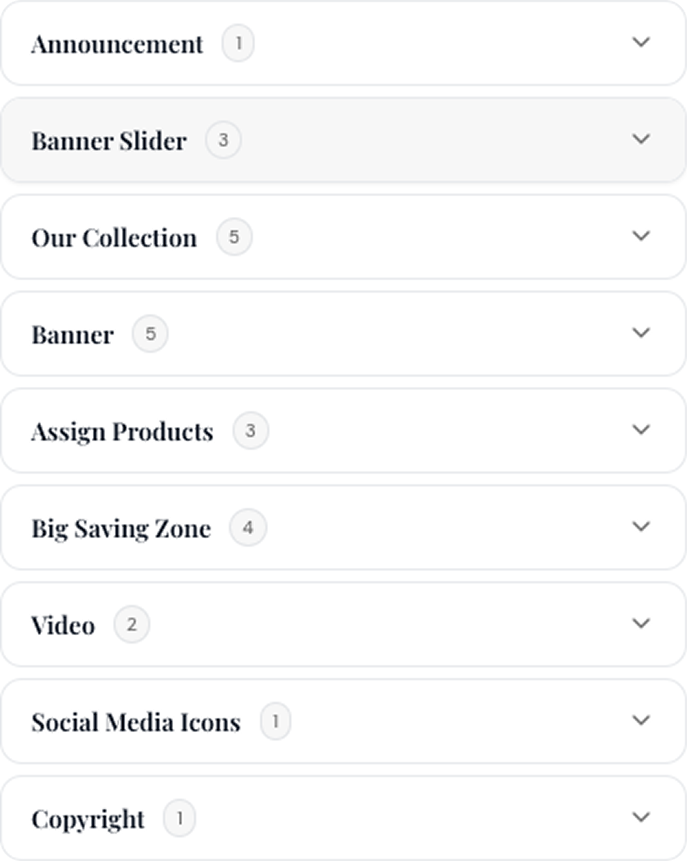
Layout blocks
Every screen is made of blocks — and every block is moveable. Banner blocks, product grid blocks, collection blocks, testimonial blocks, countdown timers, image strips, video blocks, and more. Add them, remove them, reorder them.
Brand assets
Upload your logo, favicon, and custom icons. Your app looks like it was built by your in-house design team — because you built it.
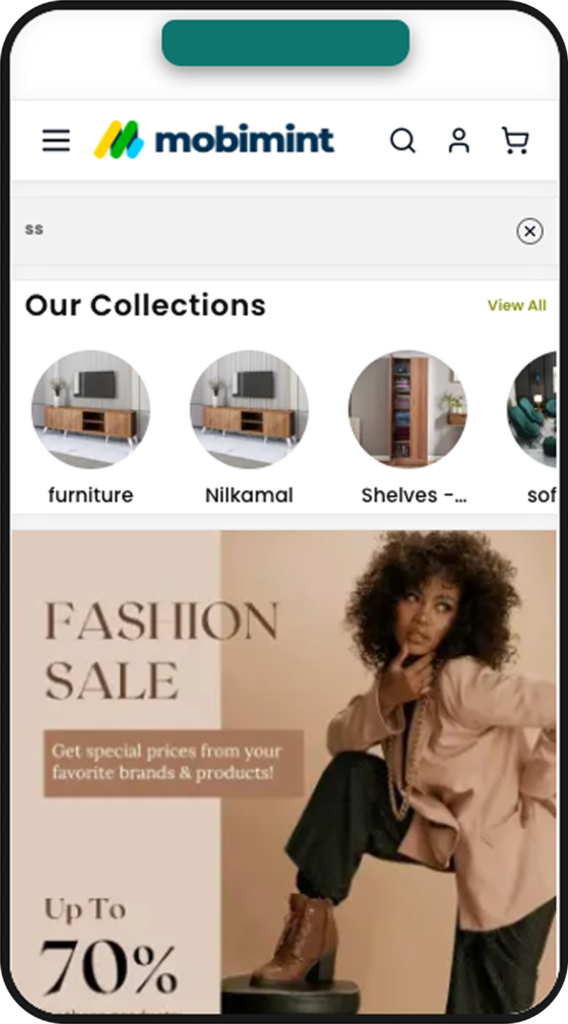
Product collections
Choose exactly which collections appear where. Feature your bestsellers on the home screen. Promote your new arrivals in the banner. Control is yours.
Banners & promotions
Create promotional banners directly in the builder. Link them to any product, collection, or page. Schedule them to go live at a specific time and expire automatically.
Navigation
Set your app's bottom navigation bar — choose which tabs appear, what they're labelled, and what they link to. Tab bar icons are customisable.
Custom pages
Build custom content pages inside your app — About Us, size guides, lookbooks, FAQs. Link them anywhere in the navigation.
Live preview
See your app in real time as you make changes. The preview panel shows your exact app — not a simulation — on iOS and Android simultaneously.
One-tap publishing
When you're ready, hit publish. Mobimint handles the App Store and Google Play submission process. You get notified when your app is live.
OTA updates
Update your app's design, content, or layout any time — without resubmitting to the app stores. Changes go live instantly. No approval wait time.
Switch themes anytime
Changed your mind on the look? Switch themes without losing your content, products, or customer data. Your app evolves as your brand does.
See it before you publish it. On a real device. In real time.
Most app builders make you wait until your app is submitted to the store before you can see what it actually looks like on a real device. Not Mobimint.
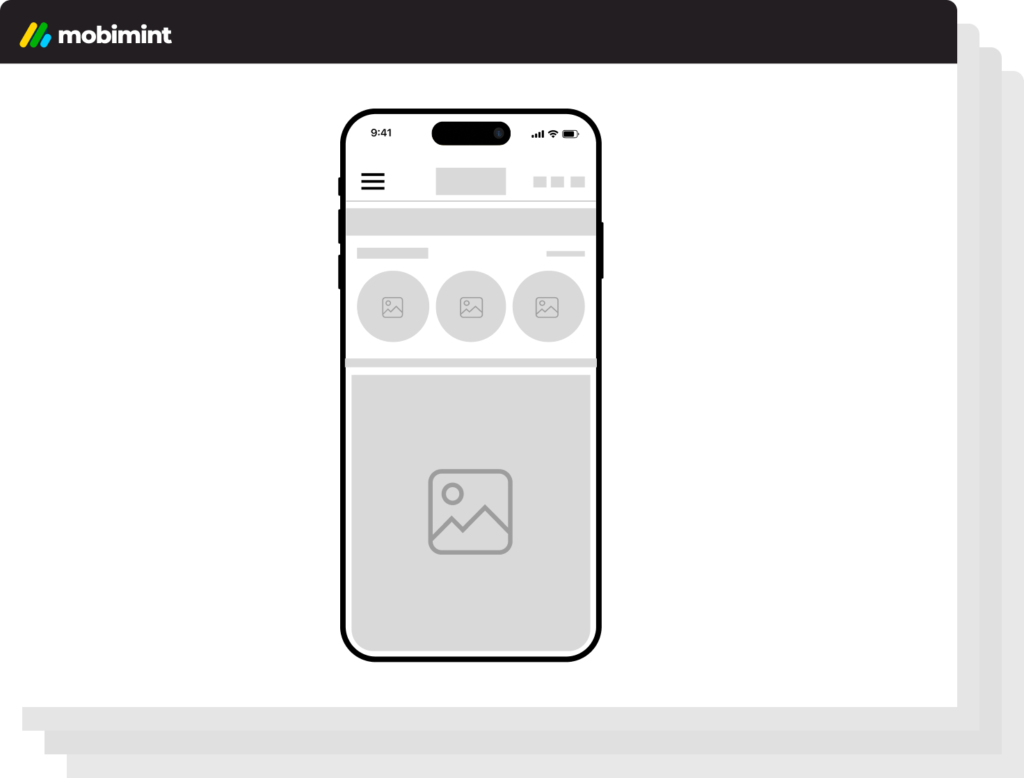
The Live App Preview lets you see your exact app — every screen, every interaction, every animation — on a phone simulation while you’re still building. Make a change in the builder. See it update on the preview instantly.
And when you want to show your team or a co-founder? Share a preview link. They can see the app on their own device before a single customer downloads it.
Stat callout:
Brands that use Live Preview before publishing report
40%
fewer revision requests
after launch — because they get it right the first time.
The only app builder that works for Shopify AND WooCommerce. Equally.
Most mobile app builders are Shopify-first — or Shopify-only. If you’re on WooCommerce, you’re an afterthought. A checkbox. A page buried in the footer.
Mobimint was built from the ground up for both platforms. The App Builder connects to your Shopify or WooCommerce store with the same depth, the same sync speed, and the same feature set. Whether you built your store on Shopify or WordPress, you get the same complete app — with the same builder, the same themes, and the same 60-minute launch.
Shopify App Builder
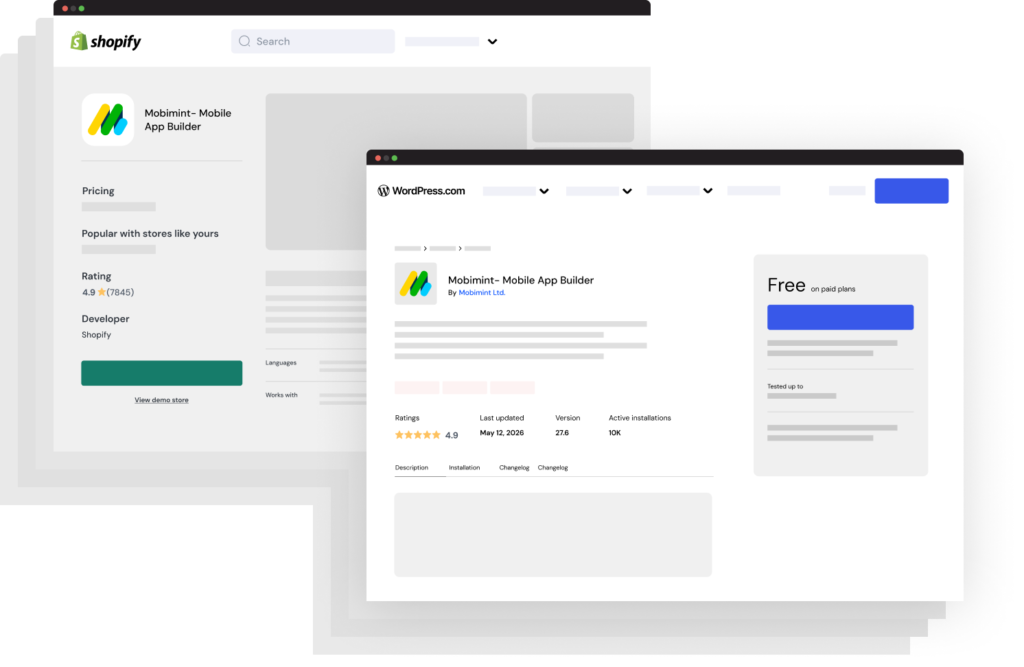
Install directly from the Shopify App Store. One-click connection. Products, metafields, collections, and orders sync automatically. All Shopify payment methods supported.
WooCommerce App Builder
Install the Mobimint WooCommerce plugin from the WordPress plugin directory. Full product sync, WooCommerce payments, variable products, and custom attributes — all supported.
How Mobimint compares to the alternatives.
You have options. Here’s an honest look at what each one costs you — in money, time, and control.
Metric
- Time to launch
- Cost
- Design control
- WooCommerce support
- No code required
- Unified dashboard
- Update without resubmission
- Live preview before launch
- 30-day free trial
Custom Dev
- 6–12 months
- $40K–$300K
- Full (eventually)
- Custom only
EDITORIAL
- 3–9 months
- $80K+/year
- Full (if they're good)
- Custom only
Other App Builders
- Days to weeks
- $100–$500/mo
- Template-limited
- Mostly no
- Partial
- Partial
- Partial
- Partial
- Under 60 minutes
- From [price]/mo
- Full — your brand
- Yes
- Inside your store
- OTA updates
- Real-time
- Always
5,000+ stores can't be wrong.
From fashion to skincare, food to furniture — here’s what store owners say after launching with Mobimint.
They know what they’re doing when it comes to WordPress. Mobimint took what we had and matched it the way we needed in the initial phase. They work fast and deliver the best quality. Mobimint gets things done quickly. They’re also willing to take criticism; it’s not an emotional thing for them.

David
Platform:
Shopify
Mobimint makes app creation very simple with its drag & drop builder. I really liked the multi-language and multi-currency support. Creating multiple forms/pages is easy, and assigning them to menus takes just a few clicks. The best part is that everything is fully customizable and under my control. Very user-friendly plugin for anyone who wants to create a mobile app without coding knowledge. Highly recommended!

Fastprint
Owner
Platform:
Wordpress
You are extremely professional, transparent and most importantly got the job done quickly. In less than 24 hours, He has completed the work I needed doing exactly how I needed it. Will use again!”

Claire
Platform:
Shopify
Mobimint provided the coding needed for us to create the site we needed to start our business. great communication service and comprehension of what we needed.
Luis
Platform:
Shopify
Mobimint made excellent design for us and also convert it into WordPress websites, the communication was quick and always very friendly.
Josh
Platform:
Shopify
Mobimint did excellent work, WOW Awesome! they delivered the store same as i wanted, always quick to respond.
Sara
Platform:
Shopify
Questions about the App Builder.
Do I need any technical skills to use the builder?
Will my products sync automatically?
How long does it actually take to launch?
Can I update my app after it's live?
What if I change my mind about the design after launching?
Does the builder work the same way for Shopify and WooCommerce?
Can my team access the builder?
Your app is 60 minutes away.
Connect your store, pick a theme, and build your first screen in the next hour. 30-day free trial. No credit card required. No developer needed.
Works with Shopify & WooCommerce · Takes 60 minutes · iOS & Android · Cancel anytime