Cart Hold on Mobile App
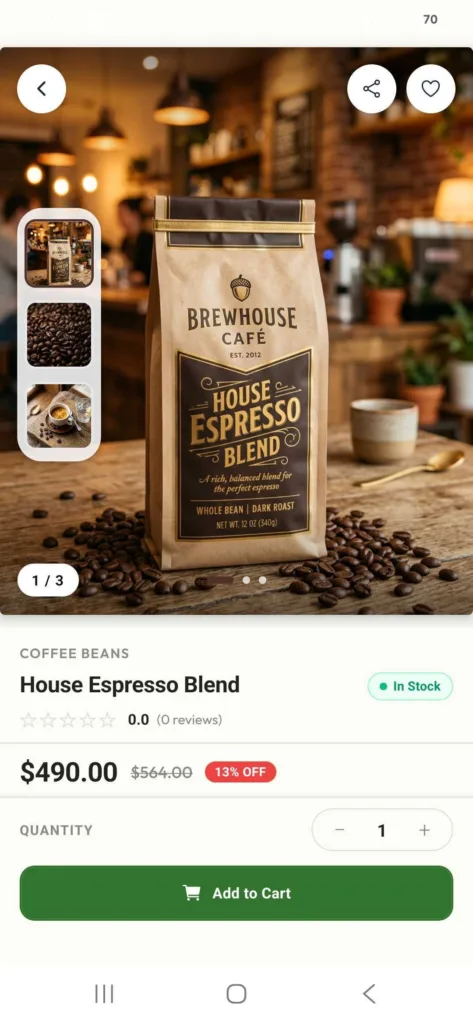
Your audience can click on the Buy Now button if they’re interested in a product
Checkout Process
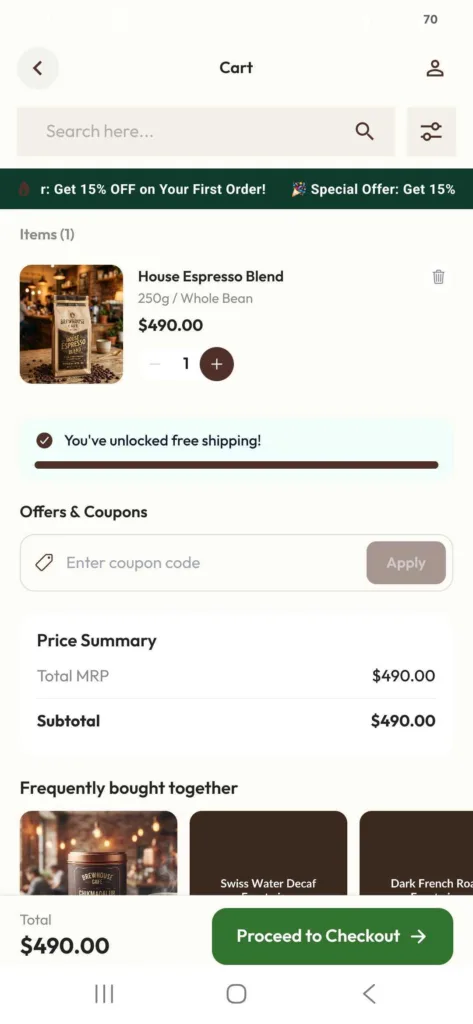
Customer checkout can be done by clicking on the Proceed to Checkout button in the Reserved Cart during the live sale.
After the live sale is done, customers can complete their purchase by clicking on the cart icon at the top right on the mobile app home page. They can simply head to the Reserved Cart section to find the products that they’ve reserved.
Still need help?
Our team is happy to help you build and launch your app.