Skip to main content
How Can We Help?
-
Designing Your App
-
Push Notifications
-
Live Selling with Mobify
-
Launching Your App
- How to Find Your Domain Purchase Receipt
- Guidelines for a seamless Store Listing process
- Getting Your Store Listed
- Store Listing Description Templates
- iOS & Android Apps Getting Rejected? Here are the reasons and solutions!
- How to get a DUNS Number for your business
- Steps to create and share the API Key of your iOS app with Mobimint
- Steps to create and share the API Key of your Android app with Mobimint
- Creating a Google Play Developer Account
- How to create an Apple Developer Account - A Step-by-Step Guide
- Retrieval of Developer Account ID - Android
- Retrieval of API JSON file - Android
- Retrieval of Issuer ID - iOS
- Retrieval of API Key ID - iOS
- Retrieval of Vendor ID - iOS
- Retrieval of p8 file - iOS
- Show Remaining Articles (1) Collapse Articles
-
Admin App
-
Plug-ins and Integrations
-
Billing and Subscription
-
App Building 101
-
Setting Up your Google Developer Account with Mobify
-
Setting up your Apple Developer Account with mobify
Print
Posted
Updated
ByPawan Jain
Don’t worry, it’s not as complicated as it sounds! You can name your app, give it a cool icon and type in some probable keywords people could search for to find your app.
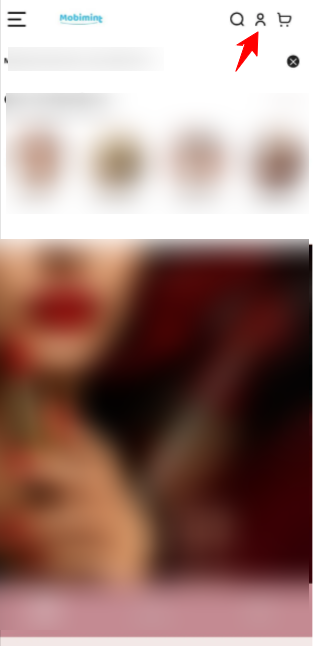
Step 1: Head over to the Mobimint admin dashboard, and click on your profile icon at the top right corner of the dashboard.
Trouble coming up with good ideas for your descriptions? We’ve got you covered. We’ve put together a few templates for you to use or take inspiration from or just use as a reference. Head over to the article now!
Having issues with getting your store listed? You might wanna go through these guidelines and see what you need to fix!
Table of Contents