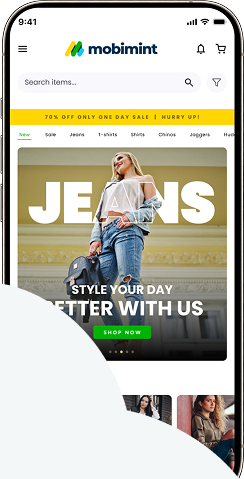
Entrepreneurs have hectic routines, and adding more to your workload is never ideal. Especially when it’s about placing a widget at the very last second. Mobimint scheduling widgets make this easier.
You can do all the routine tasks of setting up the widget, adding images, providing the right link to the landing page etc. at your own convenience. And then use the scheduling feature to make sure that the widget goes live at the time of your choice. This way you focus on other important things related to your event, and we take care of the mobile app homepage. This applies to all the widgets on the home page.
The feature comes in particularly handy for major events like BFCM, Valentine’s Day, Holiday seasons, and much more.
Pricing
Available for all brands from the Premium plan and above.
Pick any widget of your choice. In this example, we are choosing the Banner widget to schedule.
Step 1: Click on the widget you want to schedule and click on the settings gear icon and choose Schedule.
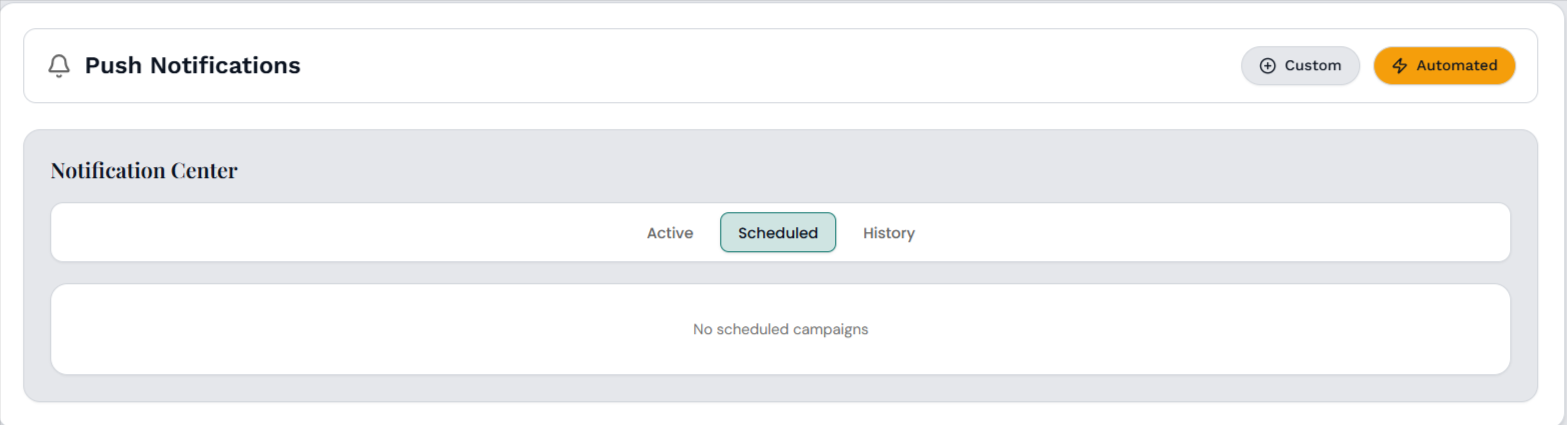
Step 2: Now you’ll see a pop-up on your screen where you can set a start time (Display Time) and an end time for the widget (Hide Time).
And that’s it! Sit back and relax while your widget’s visibility is on autopilot.