Skip to main content
How Can We Help?
-
Designing Your App
-
Push Notifications
-
Live Selling with Mobify
-
Launching Your App
- How to Find Your Domain Purchase Receipt
- Guidelines for a seamless Store Listing process
- Getting Your Store Listed
- Store Listing Description Templates
- iOS & Android Apps Getting Rejected? Here are the reasons and solutions!
- How to get a DUNS Number for your business
- Steps to create and share the API Key of your iOS app with Mobimint
- Steps to create and share the API Key of your Android app with Mobimint
- Creating a Google Play Developer Account
- How to create an Apple Developer Account - A Step-by-Step Guide
- Retrieval of Developer Account ID - Android
- Retrieval of API JSON file - Android
- Retrieval of Issuer ID - iOS
- Retrieval of API Key ID - iOS
- Retrieval of Vendor ID - iOS
- Retrieval of p8 file - iOS
- Show Remaining Articles (1) Collapse Articles
-
Admin App
-
Plug-ins and Integrations
-
Billing and Subscription
-
App Building 101
-
Setting Up your Google Developer Account with Mobify
-
Setting up your Apple Developer Account with mobify
Print
Posted
Updated
ByPawan Jain
Offer more options and variants to your shoppers and sell more with Infinite Options!
Index
- What you can do with the plugin
- What we don’t support
- Pricing
- Enabling the plugin
- What your customers will see
What you can do with the plugin
- Assigning products to options
- Option for products
What we don’t support
- Custom CSS
- Date picker
- Conditional logic
- Product bundles
- Swatches
Pricing
The plugin is available for our users from the Core plan onwards.
Enabling the plugin
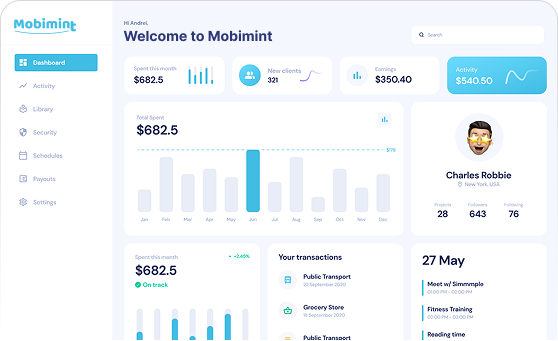
Step 1: Head over to the Plugins section of the Mobimint admin dashboard, and
click on
View Collection
Step 2: Find Infinite Options under the Custom Product Options
category
Step 3: You’ll see a dialog box when you click on Infinite Options. Click on
Enable Now to get the plugin for your app
Here’s what your customers will see
That’s it! You’re good to go!
Table of Contents