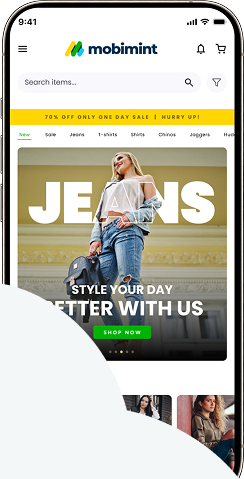
Leverage loyalty programs and reward points offered by LoyaltyLion to boost retention and engagement!
What you can do with the plugin
- Customers
- Activity Rules to earn points – Social following, Visit website, Birthday, Make a purchase rule
- Create an account
- Types of rewards
- Types of notifications – Redeem rewards
What we don’t support
- Dashboard overview
- Timeframe
- Analytics
- Emails
- Loyalty tiers
Pricing
The plugin is available for our Premium and Plus users only.
Enabling the plugin
Step 1: Head over to the Plugins section of the Mobimint admin dashboard, and click on View Collection
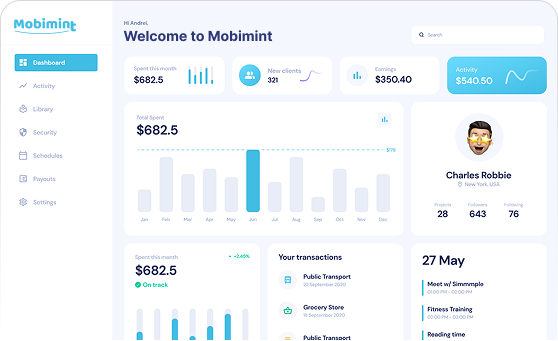
Step 2: Find Loyalty, rewards and referrals in the Loyalty Programs and Reward Points category and click on it
Step 3: In the dialog box that appears on your screen, click on Save & Enable Now, and you’re all good!
Step 4: For your customers to access their reward points, you should add My Rewards as a quick link on your app. Go to the Navigation section under Design Editor, head over to the Other Items tab, and click on Quick Links
Step 5: Click on the Add New button to add Rewards as a quick link
Step 6: Title the link as Rewards, set the Target to My Rewards and click on
Save Changes
Compatibility
This integration will be supported only on LoyaltyLion’s Small Business & Classic Plans.