Imagine having to send a welcome message to everyone who downloads your app or every abandoned cart. It would be cumbersome, right?
The solution? Automated Push Notifications.
Mobimint lets you send 3 different kinds of automated notifications.
-
An abandoned cart notification – to remind users when they leave items on their cart.
-
Welcome users campaign – to guide new users
-
Revive inactive users campaign – to welcome dormant users.
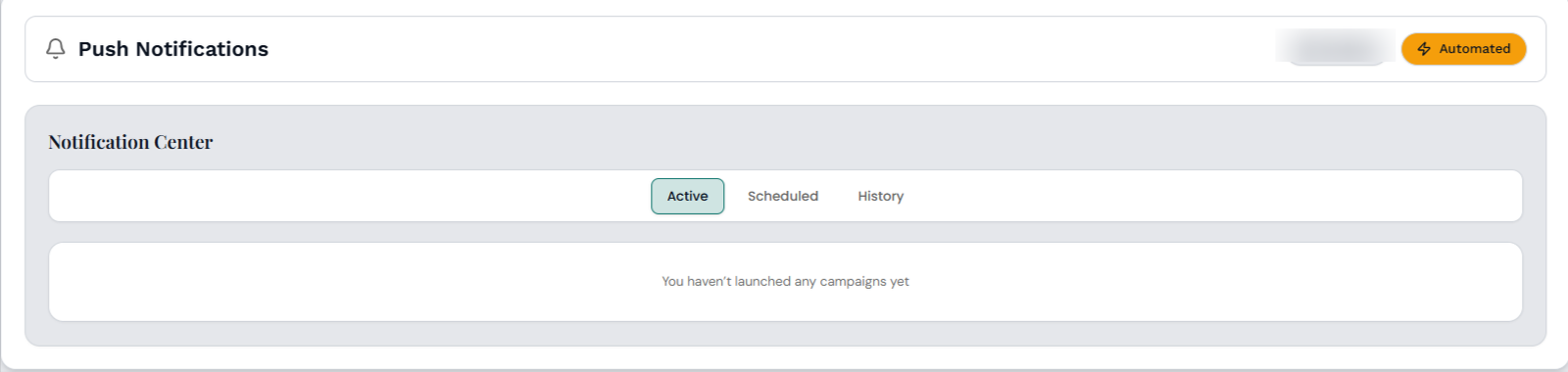
Head over to Push Notifications > Automated tab on your Mobimint dashboard.
Pricing
This feature is available in the Premium and Plus plans.
Abandoned Cart Notifications
Step 1: Add a Campaign Title, a Message, and an Image or a GIF. Note: Ensure the image is 1000px * 500px.
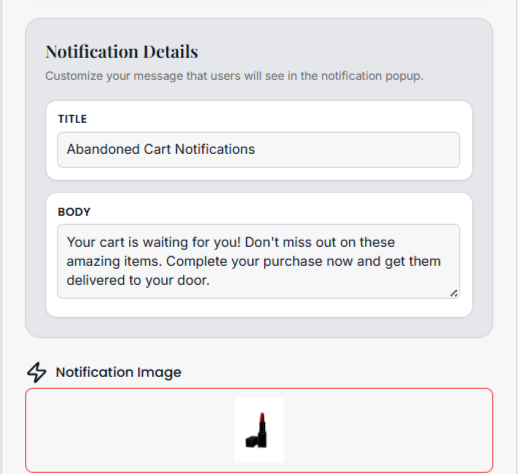
Step 2: Use Set Instance to create rules that the automated push campaign will follow. Example: To send a push notification after 30 minutes of abandoning any item.
Step 3: Once you’re done click on the Save and Apply button.
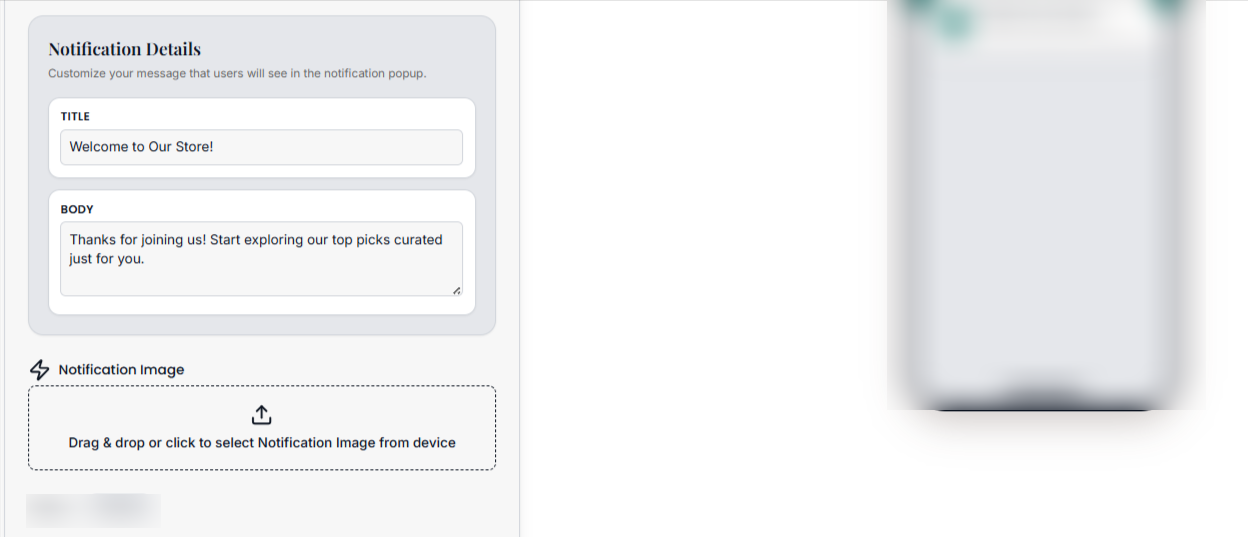
Welcome Users Campaign
DYK: 77% of users drop off within the first three days of trying a new store. You can convert these users into customers with well-timed welcome messages with Mobimint.
Revive Inactive Users Campaign
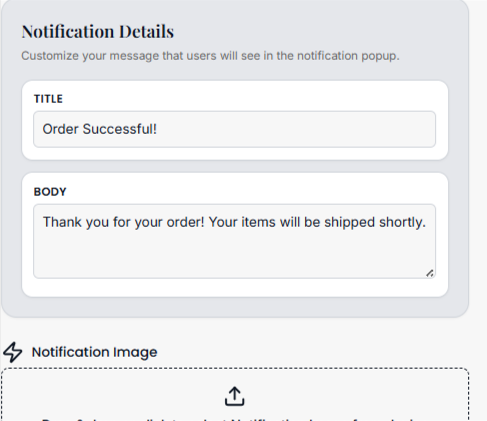
Push notifications are also a great way to retarget customers who haven’t used your app in a while. The setup is the same as that of the abandoned cart notifications: Step 1- the title, the message and an image/GIF to go with it. Step 2 – Set instance and done.
With that we have seen how to set up all three types of automated push campaigns.