Fera Reviews will help you improve your social proof game and build trust among your shoppers.
Pricing
The plugin is available for our users from the Premium plan onwards.
Here’s how you can enable it!
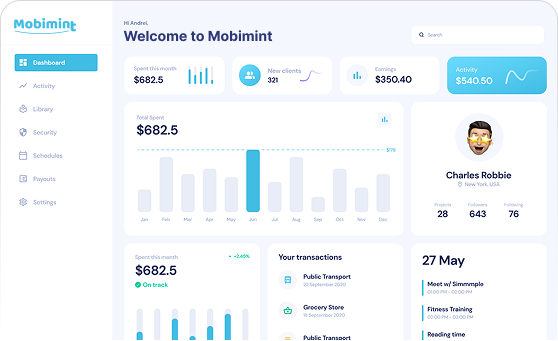
Step 1: Head over to the Mobimint dashboard. Go to the Plugins section and scroll down to the Product Reviews category.
Step 2: Click on it and you will see a dialog box on your screen. You will have to enter your Fera Reviews Secret Key in the dialog box to enable the plugin.
Note: The Auto Approve toggle button, when enabled, will automatically approve all the reviews posted on the app. Disabling it will let the store owners moderate and publish reviews.
Step 3: To find the secret key, go to the Fera Reviews dashboard. Go to Settings and click on Apps & Integrations. You will find the Secret Key under API keys. Copy and paste it into the dialog box on your Mobimint dashboard.
Once you’ve pasted, click on Save & Enable Now.
Here’s what your customers will see:
Dropping a rating and writing a review
Home page
Collections page