Skip to main content
How Can We Help?
-
Designing Your App
-
Push Notifications
-
Live Selling with Mobify
-
Launching Your App
- How to Find Your Domain Purchase Receipt
- Guidelines for a seamless Store Listing process
- Getting Your Store Listed
- Store Listing Description Templates
- iOS & Android Apps Getting Rejected? Here are the reasons and solutions!
- How to get a DUNS Number for your business
- Steps to create and share the API Key of your iOS app with Mobimint
- Steps to create and share the API Key of your Android app with Mobimint
- Creating a Google Play Developer Account
- How to create an Apple Developer Account - A Step-by-Step Guide
- Retrieval of Developer Account ID - Android
- Retrieval of API JSON file - Android
- Retrieval of Issuer ID - iOS
- Retrieval of API Key ID - iOS
- Retrieval of Vendor ID - iOS
- Retrieval of p8 file - iOS
- Show Remaining Articles (1) Collapse Articles
-
Admin App
-
Plug-ins and Integrations
-
Billing and Subscription
-
App Building 101
-
Setting Up your Google Developer Account with Mobify
-
Setting up your Apple Developer Account with mobify
Print
Posted
Updated
ByPawan Jain
Improve customer loyalty and retention with loyalty and rewards programs with Marsello.
Here’s what you can do with Marsello on Mobimint:
- Offer Points and referrals
- Offer Rewards
However, we don’t support the following features:
- Insights: Revenue and Customers
- Segmentation
- Loyalty Widget
- Notifications
- VIP Tier
- Campaigns
- Automation Flows
- Forms
- Add discount to sign-up forms
- COVID-19 Contact Tracing Form
- Reviews
Pricing
The integration is available for our users from the Core plan onwards.
Enabling the plugin
Step 1: Head over to the Plugins section of the Mobimint admin dashboard, and click on View Collection
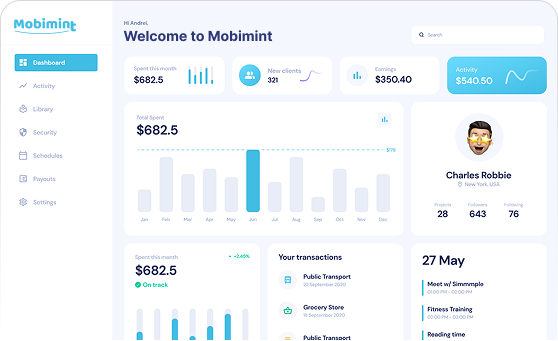
Step 2: Find Marsello | Email & Loyalty under the Loyalty Programs & Reward Points category, and click on it
Step 3: Click on Enable Now in the dialog box that appears on your screen, and you’re good to go!
Table of Contents