
How Can We Help?
Smile: Rewards & Loyalty will help improve customer loyalty and retention, and it’s extremely easy to acquire the plugin for your app.
Here’s what you can do with Smile on the Mobimint app:
- Program – Points.
- Referral programs and rewards.
- Social sharing.
However, we don’t support the following features:
- Passwordless login
- Points slider
- VIP
- Theme
- Program name
- Launcher
- Customer email
- Types of nudges
Pricing
The integration is available for our users from the Core plan onwards.
Here’s how you can enable the integration:
Step 1: Head over to the Plugins section of the Mobimint admin dashboard.
Step 2: Look for Smile: Rewards & Loyalty under the Loyalty Programs and Reward Points category, and click on it.
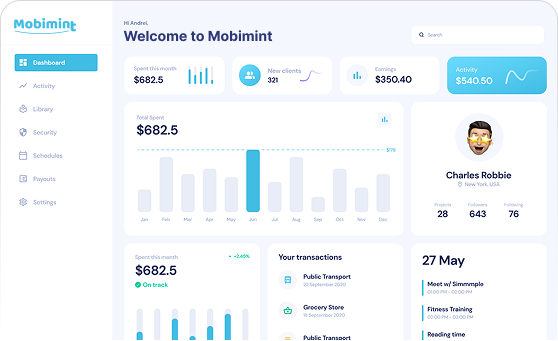
Step 3: Click on the Enable Now button to activate the integration on your store.
Thats it! You are done.
To check the Rewards on the app, open the Navigation menu, and under Quick Links, you will find MY REWARDS.